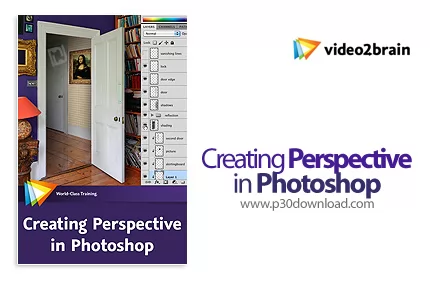
This course helps students to learn, practice, and apply the lessons of setting scenes in perspective using Adobe Photoshop. We will go over three different types of perspective scenes: one, two, and three-point perspective. The chapters follow along with that breakdown and use the general rhythm of Learn, Practice, Apply. So each chapter will contain its own project of setting up a scene in perspective and compositing a new element into the scene to match. You will learn how to recognize each type of perspective system, and develop scenes of your own to match.
Topics include:
1.Introduction:
Introduction
Tools and Resources
2.One-Point Perspective:
Learn: One-Point Perspective
Practice: Setting Up One-Point Perspective With the Pen Tool
Apply: Working With One-Point Perspective
3.Two-Point Perspective:
Learn: Two-Point Perspective
Practice: Paths in Two-Point Perspective
Practice: Using the Vanishing Point Filter
Apply: Drawing Out a Two-Point Perspective Scene
4.Three-Point Perspective:
Learn: Three-Point Perspective
Practice: Using Paths in Three-Point Perspective
Learn: 3D Tools
Apply: Using and Compositing in Three-Point Perspective
Foreground Elements in Perspective
5.Other Tools
6.Conclusion