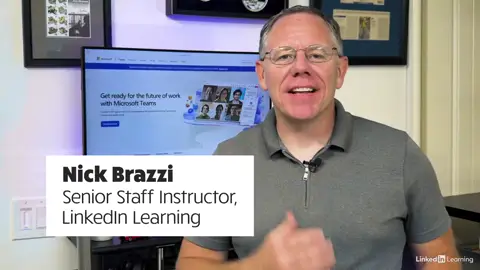
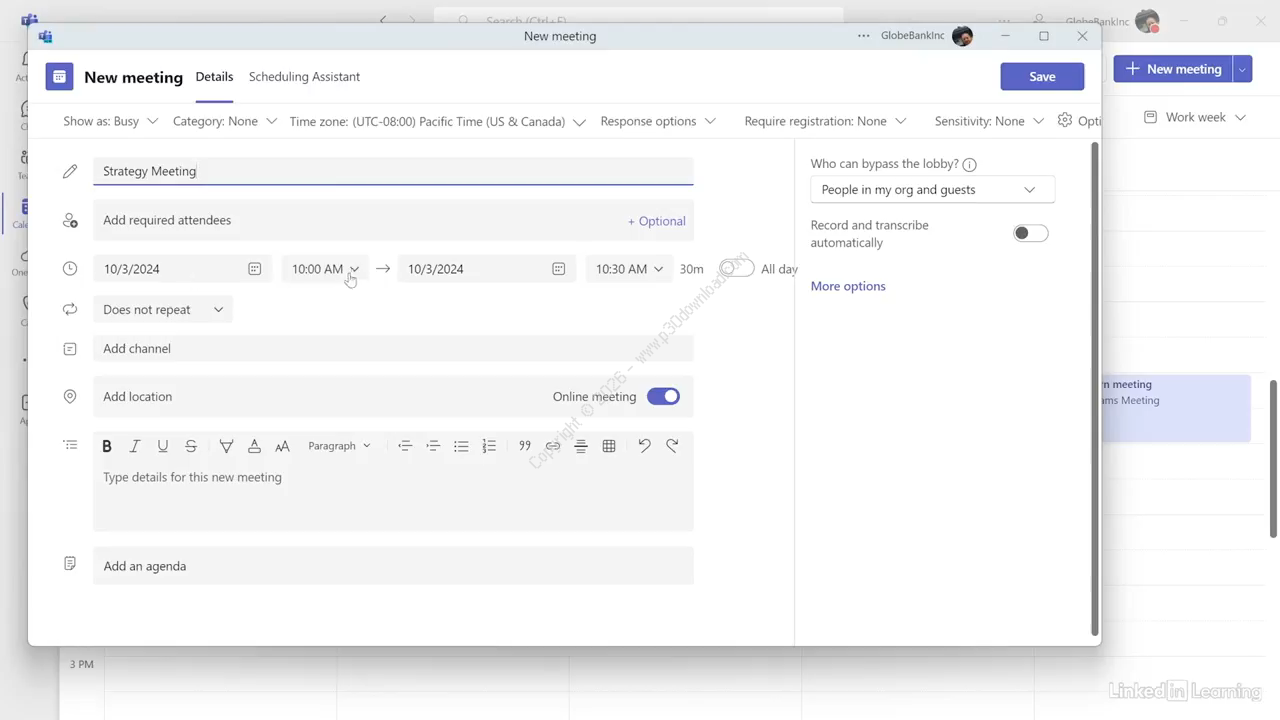
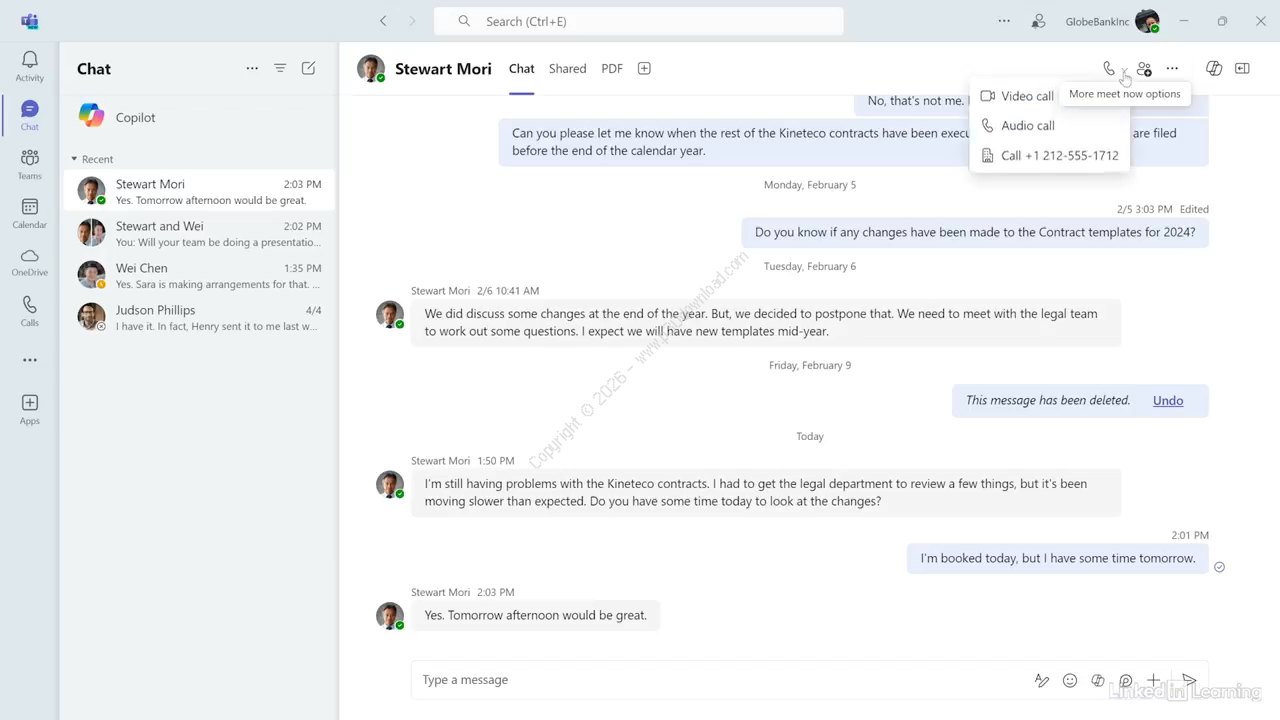
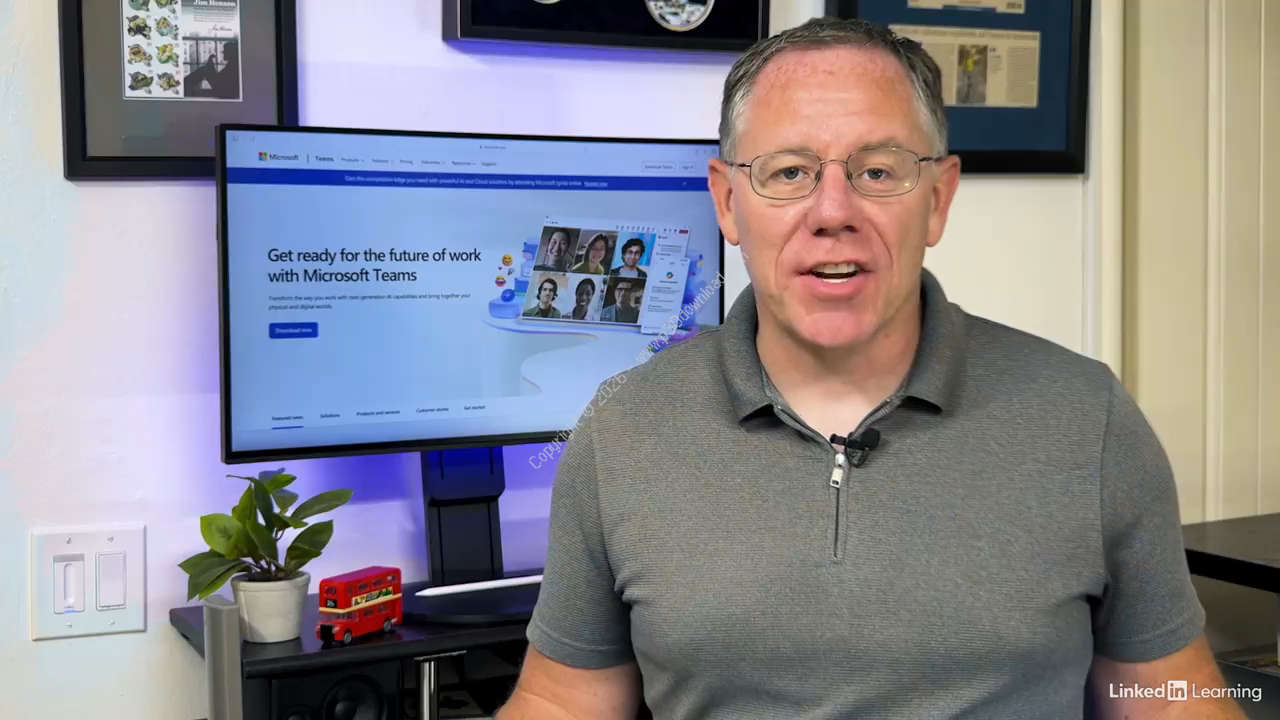
This course offers a practical guide to mastering Microsoft Teams as a central hub for workplace communication and content collaboration. Author Nick Brazzi begins with the foundational aspects of the platform, walking users through basic application setup, team creation, and joining established groups. He details how to structure teams, organize channels, and manage member permissions to ensure a clear, efficient environment for team interactions. The curriculum delves deeply into communication workflows and advanced digital capabilities. Learners discover how to conduct targeted group conversations, share files seamlessly, and integrate live-updating Loop components across Microsoft 365 applications. The course highlights modern productivity features, covering scheduled and impromptu meeting management alongside built-in AI capabilities and security tools delivered through Copilot and Teams Premium. To ensure broad applicability and accessible everyday use, the training concludes with client management and personalized preferences. Nick demonstrates how to customize personal user settings, adjust accessibility options to suit diverse needs, and navigate the Microsoft Teams interface effectively across mobile devices.
Table of Contents:
- Introduction
- 1. Sign In and Get Started
- 2. Join or Make a Team
- 3. Group Conversations Using Teams and Channels
- 4. Private Chats
- 5. Meetings and Calls
- 6. Copilot and Teams Premium AI and Security Add-Ons
- 7. Sharing Files and Loop Components
- 8. Explore Apps and Optional Features in Teams
- 9. Search, Settings, and Customization
- 10. Managing Teams for Team Owners
- 11. Teams for Education Manage Assignments
- 12. Accessibility Features
- 13. Working with the Mobile App
- Conclusion