دانلود آموزش مباحث مدرک +CompTIA A
مدرک بینالمللی +CompTIA A با محوریت مهارت های جامع سخت افزاری و نرم
افزارهای مرتبط با سختافزار از جمله مدارک استانداردی است که دریافت
آن موفقیت و جایگاه والای "شغلی - حرفهای" فرد را تضمین مینماید. مدرک
کامپتیا ای پلاس (+CompTIA A) به آموزش و سنجش مهارت های سخت افزاری، شبکه
سازی و
نرم افزاری (مرتبط با سخت افزار) می پردازد. این مدرک قسمتی از
مدارک سازمان هایی مانند Microsoft ،Hewlett-Packard ،Cisco و Novell می
بوده و در واقع یک استاندارد فنی برای کارشناسان فنی پشتیبان کامپیوتر می
باشد. متخصصان کامپیوتر با استفاده از این مدرک شایستگی های خود را در در
نصب، نگهداری و پیشگیری از مشکلات، شبکه سازی، امنیت و اشکال زدایی در سطح
بین المللی اثبات می کند. متخصصان فنی که مدرک +CompTIA A را کسب کرده اند،
با استفاده از مهارت های ارتباطی برای کار با Client ها بهترین خدمات
رسانی را به مشتریان دارا می باشند. در اغلب کمپانی های مطرح، کسب مدرک
+CompTIA A جزو الزامات متخصصان سرویس دهنده می باشد.
در مجموعه دوره های آموزشی Lynda CompTIA A+ Exam Prep (220-902) Tutorial Series طی شش آموزش با مباحث مدرک +A آشنا می شوید.
مباحث مجموعه دوره آموزشی Lynda CompTIA A+ Exam Prep (220-902) Tutorial Series:- مقدمه و پیش نیاز
- مقدمه ای بر کامپیوترها
- کنارهم قرار دادن قطعات
- مبانی
ویندوز- شبیه سازی، پرینتر و رفع خطا
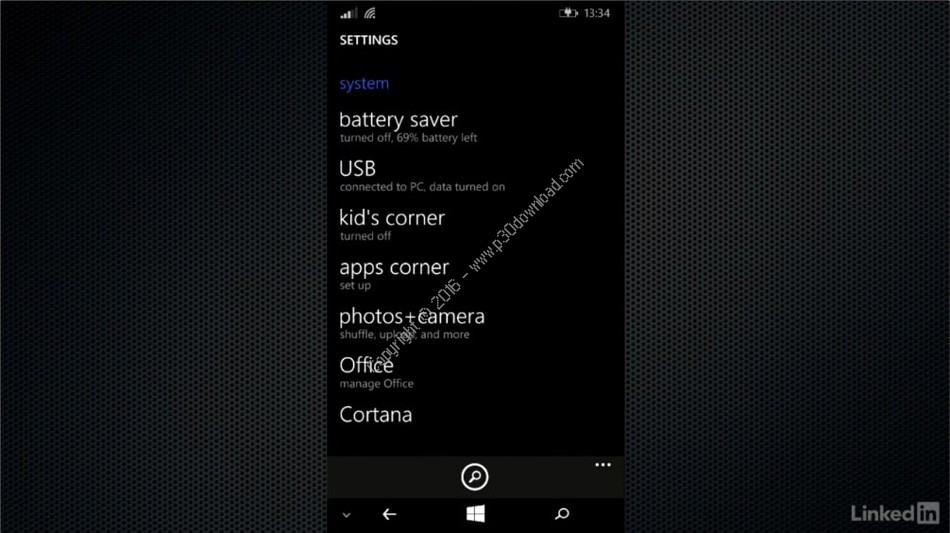
- موبایل
- امنیت کامپیوترها
کلمات کلیدی: CompTIA A+, آموزش CompTIA A+, آموزش تصویری CompTIA A+, آموزش ویدیویی CompTIA A+, آموزش کامل CompTIA A+, آ,
Lynda full tutorial collection,
مغدیش, مغدیش, Download Lynda CompTIA A+ Exam Prep (220-902) Tutorial Series,
Tutorial,
E-Learning,
Training Course,
Education,
شبکه,
Instruction,
CBT,
Teacher,
Direct Download Link,
DDL,
New,
Update,
Online,
Buy,
Usnet,
Torrent,
P30Download,
Danlod,
Danload,
Donload,
nhkg,n hl,ca,
مغدیش زخپحفهش ش+ ثطشپ حقثح (220-902) فعفخقهشم سثقهثس, مغدیش زخئحفهش ش+ ثطشئ حقثح (220-902) فعفخقهشم سثقهثس, دانلود آموزش های شرکت لیندا,
gdknh, gdknh, دانلود آموزش آموزش مباحث مدرک +CompTIA A,
اموزش آنلاین,
مجازی,
فیلم آموزشی,
مبتنی بر کامپیوتر,
یادگیری,
ویدئو,
دوره آموزشی,
CompTIA A+, download, Learning, Lynda, Network, لیندا, مدرک +CompTIA A, آموزش, دانلود, شبکه,
راهنمای تصویری,
استاد,
مدرس,
معلم,
تدریس خصوصی,
Network,
رایگان,
خرید,
پی سی,
پی 30,
با لینک مستقیم,
اپدیت,
در مجموعه دوره های آموزشی Lynda CompTIA A+ Exam Prep (220-902) Tutorial Series طی شش آموزش با مباحث مدرک +A آشنا می شوید.,
ترافیک نیم بها,
ای لرنینگ,
فایل آموزش,
از راه دور,
مجانی,
داونلود,
دانلد,
تورنت,
یوزنت,
تحميل,
ڈاؤن لوڈ,
دریافت,
فعفخقهشم مثشقدهدل فقشهدهدل,
hl,ca lfhpe lnv: +CompTIA A, hl,ca lfhpe lnv: +CompTIA A,دانلود Lynda CompTIA A+ Exam Prep (220-902) Tutorial Series - آموزش مباحث مدرک +CompTIA A,
2018-02-26
21:57:33
دانلود Lynda CompTIA A+ Exam Prep (220-902) Tutorial Series - آموزش مباحث مدرک +CompTIA A
| 🎓 نام آموزش | Lynda CompTIA A+ Exam Prep (220-902) Tutorial Series |
| 📁 دسته بندی | شبکه |
| 💾 حجم فایل | 5890 مگابایت |
| 📅 تاریخ به روزرسانی | 1395/6/20 |
| 📊 تعداد دانلود | 48,830 |
| ❤️ هزینه دانلود | رایگان و نیم بها |
Lynda CompTIA A+ Exam Prep (220-902) Tutorial Series
Download
Preparing for the CompTIA A+ Exams (220-901 and 220-902)
The CompTIA A+ exam is the most popular entry-level IT exam, targeting those who are new to IT and seeking a job as a help desk or IT technician. But what is the real value of certification? What exactly do the exams cover? And how hard are they to pass?Mike Meyers is the industry's leading authority and bestselling author on CompTIA certifications. In this short course, he explains why anyone looking to get hired in IT should earn A+ certification, and how to go about studying for and passing each 90-question exam. When you're done, check out our CompTIA A+ Exam Prep (220-901) and CompTIA A+ Exam Prep (220-902) series for targeted lessons on each domain of the exams.
CompTIA A+ Exam Prep (220-902) Part 1: Introduction to Computers
The CompTIA A+ Exam Prep series is a comprehensive six-part series designed to help IT professionals prepare for the CompTIA 220-902 exam, which focuses on operating systems and software. If you're looking to pass the exam for the first time or studying for renewal, this is the series for you. In this introductory course, Mike Meyers explains the basics of how a computer works and the operational procedures that are key to any well-running IT team, including soft skills such as professionalism, communication, and safety. In Chapter 2, Mike tours the four most recent versions of Windows, as well as the OS X and Ubuntu Linux operating systems. He shows how to navigate to essential tools in each OS and explains how to manage virtual memory (RAM). Details about the CompTIA A+ certification and the exam blueprints can be found at.
Topics include:
- Interacting and communicating with clients
- Understanding the top three threats to a PC
- Troubleshooting
- Touring Windows Vista, 7, 8, and 10
- Touring OS X and Linux
CompTIA A+ Exam Prep (220-902) Part 2: Putting Pieces Together
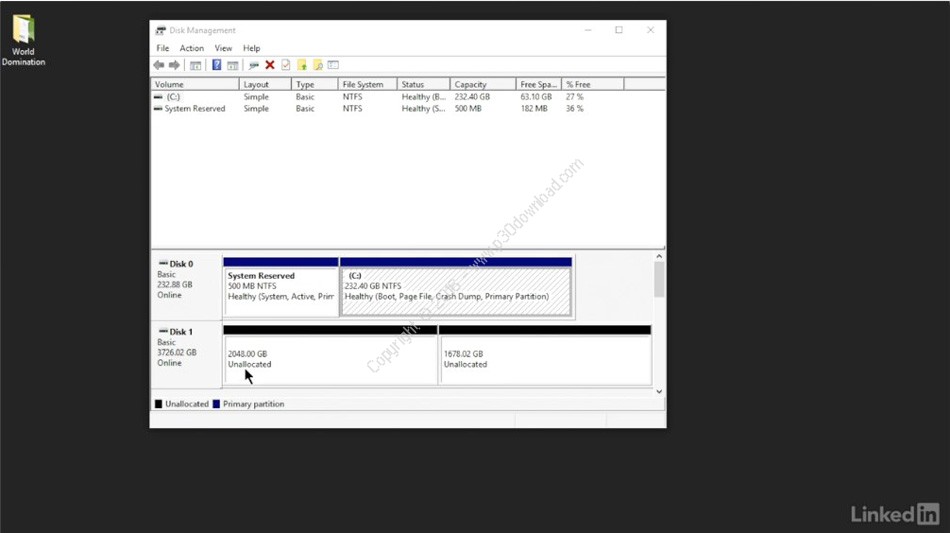
In Part 2, Mike Meyers helps you understand all the pieces that comprise the modern computer: RAM, power supplies, hard drives, and peripherals. Though 220-902 focuses on operating systems and software, a solid foundation in hardware will help you understand how all the pieces fit together. In Chapter 5, Mike shows how to build a basic PC, and install a fresh copy of Windows. Details about the CompTIA A+ certification and the exam blueprints can be found at.
Topics include:
- Working with RAM
- Choosing a power supply
- Understanding portioning
- Implementing hard drives
- Configuring USB
- Building a PC
- Installing Windows
CompTIA A+ Exam Prep (220-902) Part 3: Windows Basics
Part 3 covers the Windows operating system: all the basics you need to know to troubleshoot the inside of a PC. Author and CompTIA expert Mike Meyers takes a look under the hood at the processes, services, and tasks and provides an overview of user management, which is one of the foundations of Windows security. In Chapter 3, you'll learn some techniques for maintaining and optimizing the performances of Windows, including backup and restore procedures. Every lesson maps to a question in the critical Windows domain—an estimated 30% of the exam. Details about the certification and the exam blueprints can be found at.
Topics include:
- What is the Windows registry?
- Understanding the boot process
- Using the Windows 8 Task Manager
- Creating and managing users
- Working in the Microsoft Management Console
- Installing and uninstalling programs
- Backing up and restoring Windows
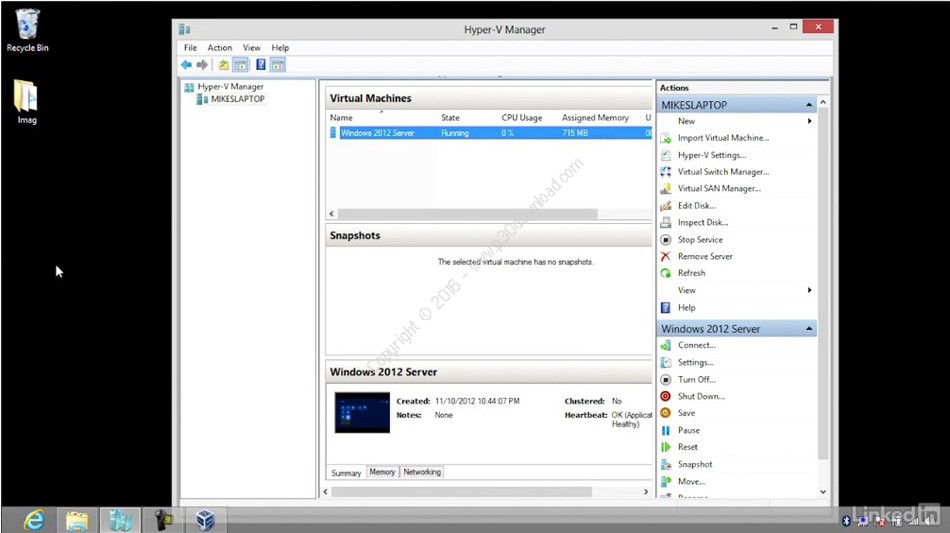
CompTIA A+ Exam Prep (220-902) Part 4: Virtualization, Printers and Troubleshooting
Here CompTIA expert Mike Meyers prepares you to answer questions about slightly more advanced topics: "super tech" skills like managing files via the command-line interface, creating virtual machines, connecting to the Internet, installing printers, and troubleshooting startup and application issues. Each lesson prepares you for a related topic on the 90-question A+ exam. Details about the certification and the exam blueprints can be found at.
Topics include:
- Working with the Windows and Linux command lines
- Manipulating files, folders, and permissions via the command line
- Using the Recovery Console and Windows Recovery Environment
- Troubleshooting software
- Examining virtual services: IaaS, PaaS, and SaaS
- Troubleshooting Internet connections
- Installing local and network printers
CompTIA A+ Exam Prep (220-902) Part 5: Mobile Devices
Join Mike Meyers for this installment, which covers everything an IT pro needs to support, secure, and manage mobile devices, including Android, iOS, and Windows Phone. Learn how to configure cellular plans, connect to wireless networks, set up email, sync devices, and secure Android and iOS phones. These topics map to the "Other Technologies" domain—an estimated 12% of the exam. Details about the certification and the exam blueprints can be found at.
Table of Contents:
- Introduction
- Understanding Mobile Devices
- Care and Feeding of Mobile Devices
CompTIA A+ Exam Prep (220-902) Part 6: Securing Computers
Security is one of the IT pro's chief concerns, and it's a big domain of the 220-902 exam. This course outlines the basic procedures for securing any computer, covering topics such as physical security, password protection, malware detection and prevention, and firewalls. CompTIA expert Mike Meyers also helps you understand how to dispose of data correctly and respond to security incidents.
Table of Contents:
- Introduction
- Securing Computers
More info ( ↓ open / close ↑ )